
How to Check a BetKing Booking Code
To check a BetKing booking code, open BetKing, tap Betslip, type the code under Enter Booking Code and tap the arrow. The picks load into your betslip with their odds.
This page walks through each step with screenshots from the BetKing mobile site, and shows how to book your own code to share.
Load a booking code on BetKing
Open BetKing
Go to m.betking.com on your phone, or open the BetKing site on desktop.
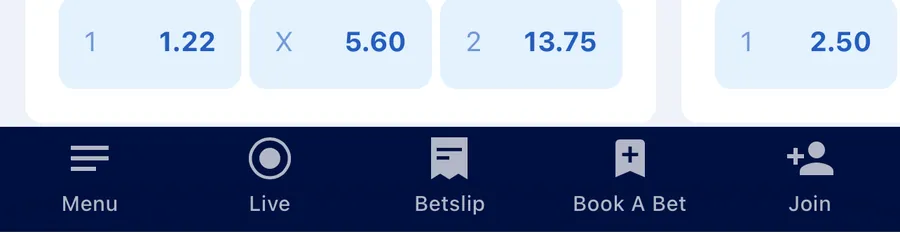
Tap Betslip
Betslip sits in the bottom navigation bar, between Live and Book A Bet.
Enter the booking code
Under Enter Booking Code, type or paste the code. The empty field shows E.g. A2MC3.
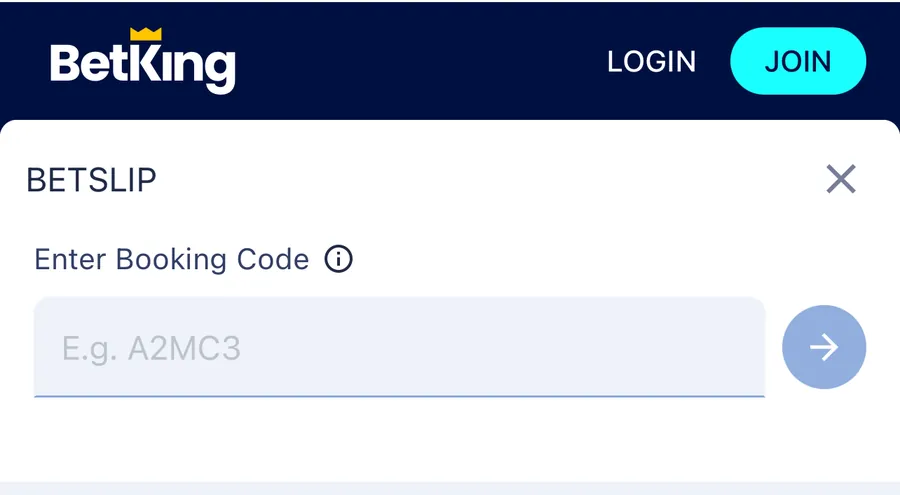
LOGIN and JOIN at the top show you are logged out. Tap the arrow
The arrow button next to the field turns blue once you type a code. Tap it to load the code.
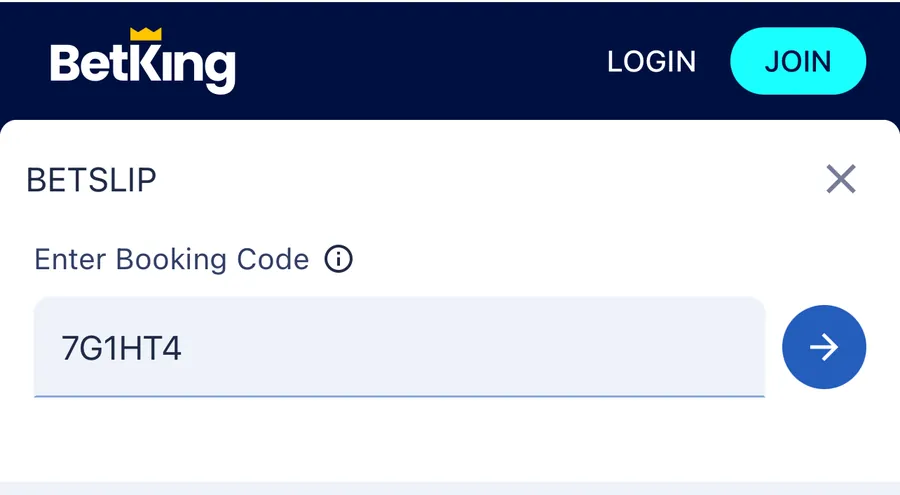
Read the ticket
The picks load into the betslip. Check every game, the odds, the stake and the potential winnings before you do anything else.
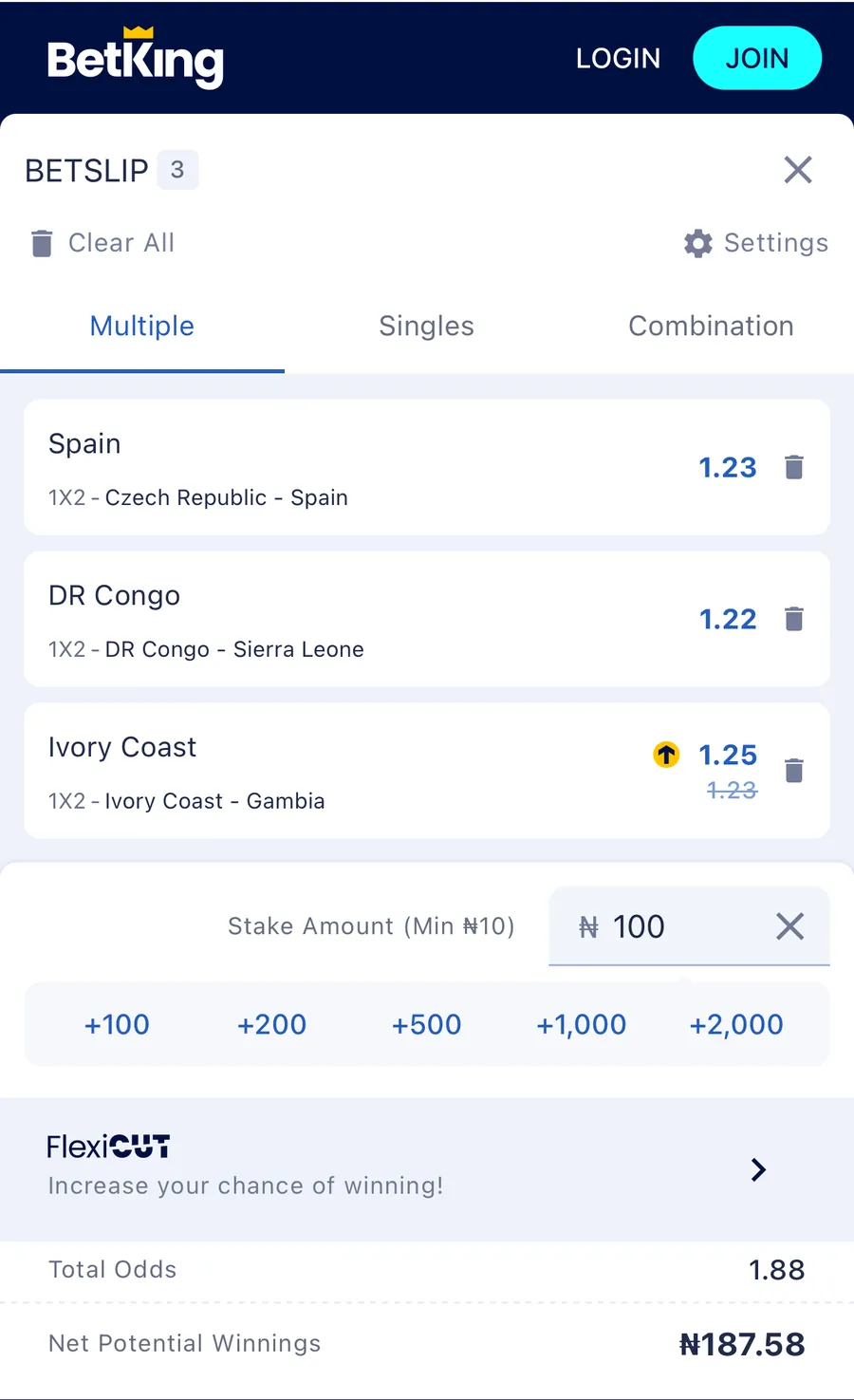
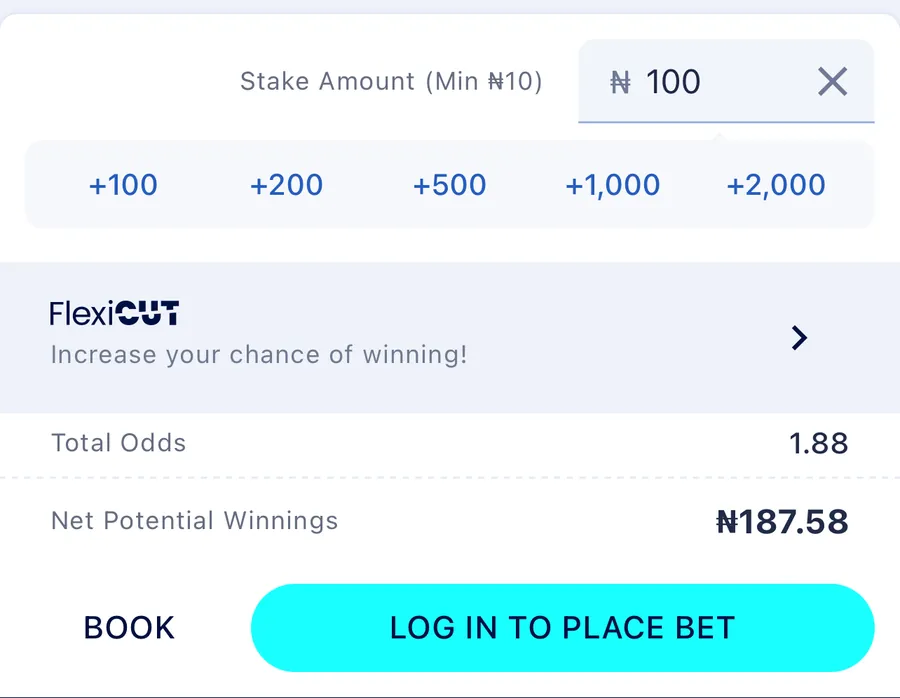
Code 7G1HT4: three games on Multiple, a ₦100 stake, total odds 1.88.
What the loaded ticket shows
The betslip opens on Multiple, with Singles and Combination tabs next to it. Those tabs decide how the stake is used. A bin icon next to each game removes it, and Clear All empties the slip. Check these before you stake anything:
- Each selection: the match, the market and the pick.
- The odds for each selection.
- The stake. The minimum stake is ₦10.
- The total odds and the net potential winnings.
Book your own BetKing code
To share a ticket, turn your picks into a booking code:
Add your picks
Add your picks to the betslip.
Tap BOOK
BOOK sits next to LOG IN TO PLACE BET on the betslip.
Copy or share the code
BetKing shows Your bet has been booked! with the booking code, for example 7G1HT4, and the date it was booked. Tap the copy icon to copy the code, or SHARE to send it. BACK TO BETSLIP returns to your picks.
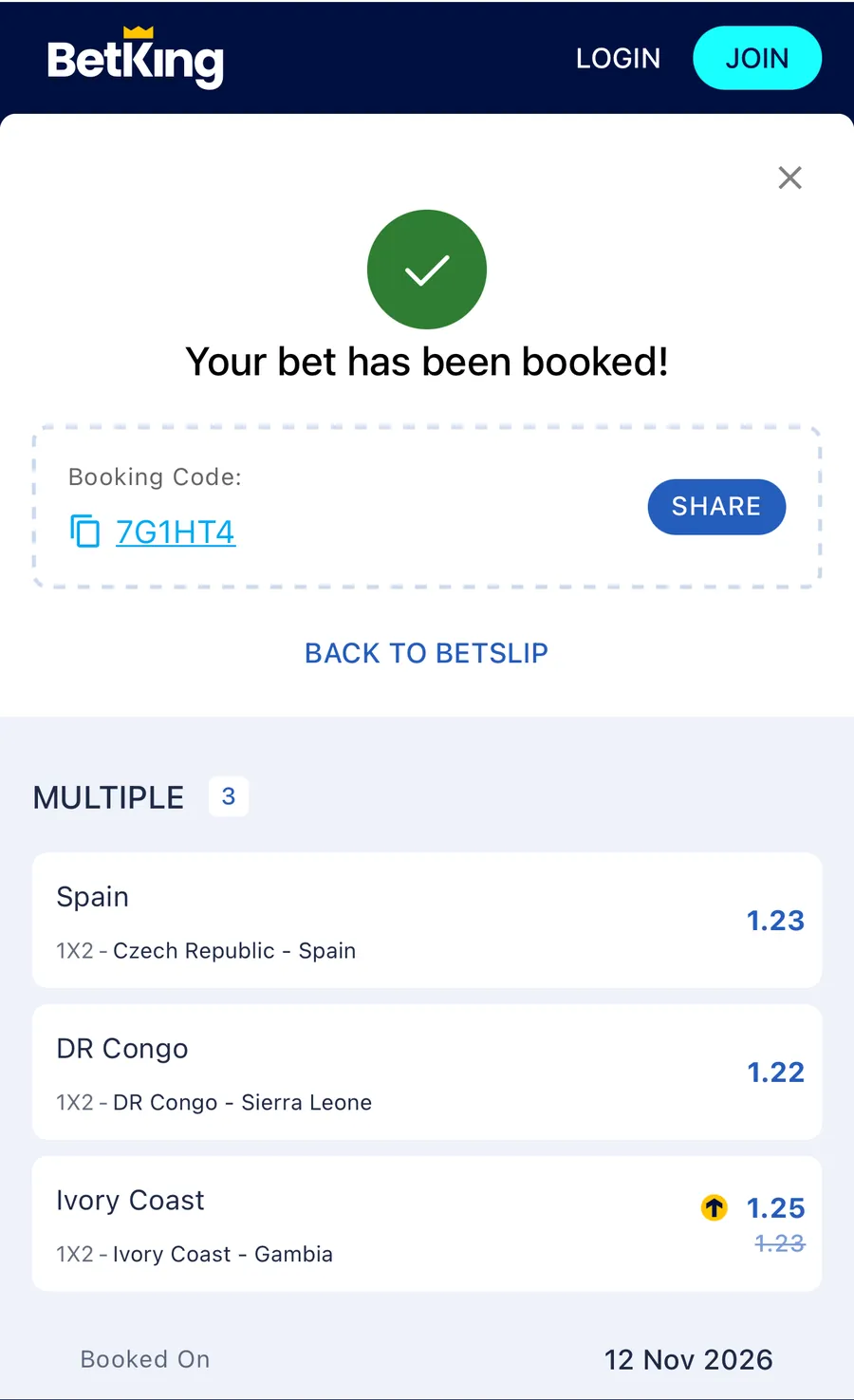
BOOK does not place a bet. It only creates the code.
What a BetKing code looks like
A BetKing code is a short mix of letters and digits with no spaces. The length varies: the field hint shows A2MC3, a tip card showed Z725DB and a sample booked code was 7G1HT4. Manage Bet Codes accepts BetKing codes of 5 characters or more.
The empty betslip also shows a Top Bets Everyone's Playing row. Each card has a code with a copy icon, its games and an ADD TO BETSLIP button.
A BetKing code only opens on BetKing. SportyBet uses 6 characters, 1xBet uses 5, and Betway starts with BW. If a code will not load, first check which bookmaker issued it.
Use a BetKing code on Manage Bet Codes
Open the bet slip checker, pick BetKing and paste the code to see the games without opening BetKing. Slip views need a free account, which gets up to 10 text views a day. To play the same picks elsewhere, convert the code to another supported bookmaker, including BetKing to Bet9ja or, if you want live tracking, BetKing to SportyBet. BetKing uses its own market system, so a game that can't be moved is listed with the reason, and odds come from the target bookmaker.
BetKing codes can be split into smaller tickets on Manage Bet Codes, but BetKing tickets can't be tracked live. Manage Bet Codes is not a bookmaker and never logs into your BetKing account.
BetKing code questions
Do I need a BetKing account to load a code?
No. In our screenshots the code loaded while logged out, and BOOK worked too. You need to log in to place the bet: the button reads LOG IN TO PLACE BET.
How do I load a BetKing booking code?
Open BetKing and tap Betslip in the bottom bar. Type the code under Enter Booking Code and tap the arrow. The picks load into the betslip.
How long is a BetKing booking code?
It varies. Codes we have seen are 5 or 6 letters and numbers, such as A2MC3 and 7G1HT4. Manage Bet Codes accepts BetKing codes of 5 or more characters.
Does BOOK place the bet on BetKing?
No. BOOK turns your picks into a booking code you can share. Placing the bet is a separate step, and BetKing asks you to log in for it.
Can I convert a BetKing code to another bookmaker?
Yes. Manage Bet Codes converts BetKing codes to other supported bookmakers, and converts codes from them to BetKing. BetKing uses its own market system, so some markets may not have a match on the other bookmaker. Any game that can't be moved is listed with the reason.
Can I split a BetKing code into smaller tickets?
Yes. Manage Bet Codes splits BetKing codes into 2 to 20 smaller tickets on BetKing itself.
Can I track a BetKing ticket live?
Not as a BetKing code. Live tracking on Manage Bet Codes is native on SportyBet only, with Football.com and Betway tracked through a SportyBet copy.
Next steps
Check another bookmaker, or move the ticket.
18+ only. Only stake what you can afford to lose. Responsible betting help →
See everything Manage Bet Codes does →